Select
Highlight the text you want to improve.
One shortcut. Works everywhere on your Mac—no tab switching, no paste dance.
Native on Apple silicon and Intel. After installing, look for Retype in the menu bar—it doesn’t show in the Dock.
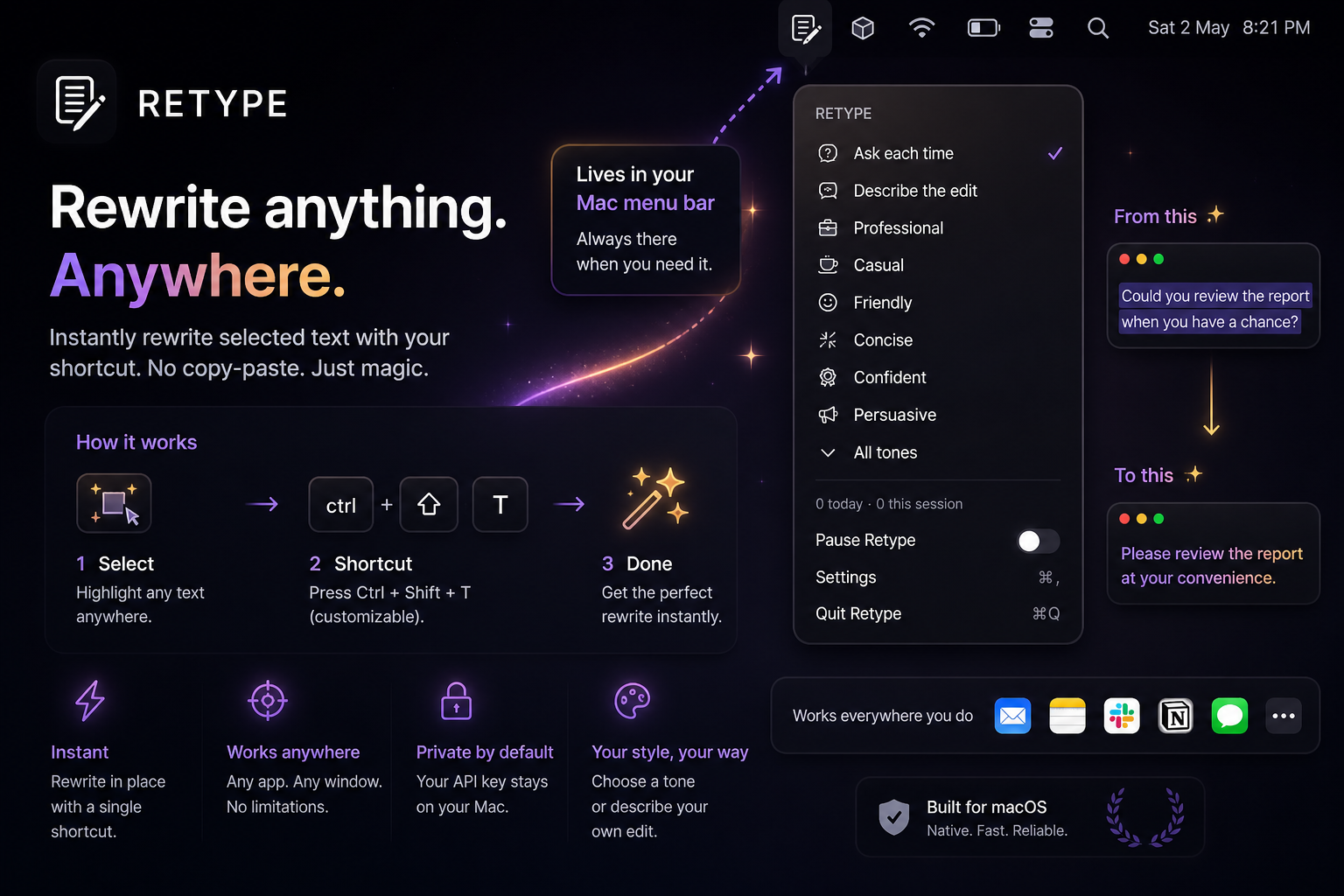
Highlight the text you want to improve.
Press your Retype shortcut.
Your text updates on the spot.
Mail, Slack, Notes, browsers—if you can type there, Retype fits in.
Stay in flow. Your selection is rewritten where it already lives.
Built to feel instant so the shortcut stays invisible.